
Prerequisites
A device on the local network is using software like Clash and has enabled LAN access. I am using Surge, and after enabling it, I can copy the proxy command.
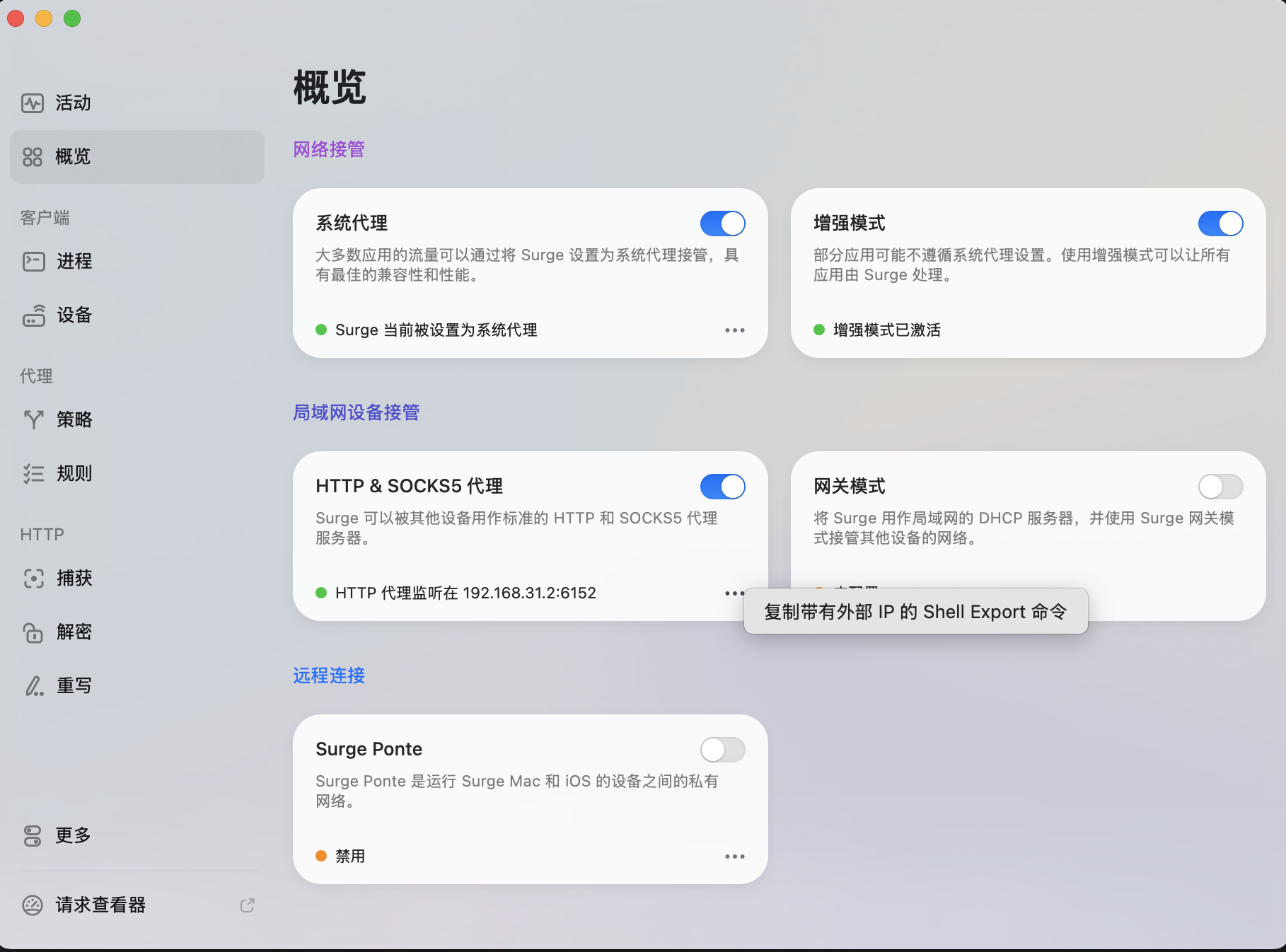
Specific Steps
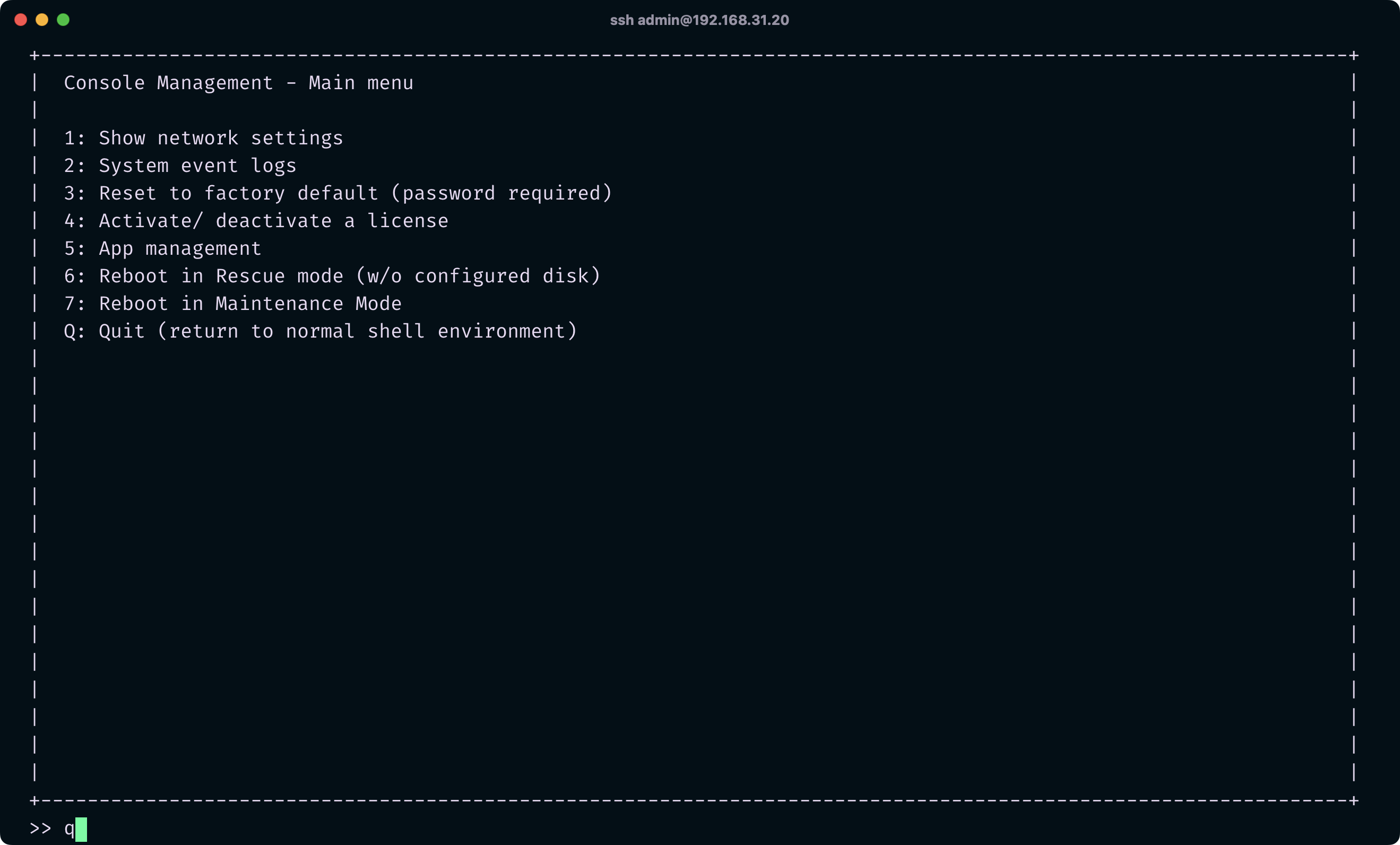
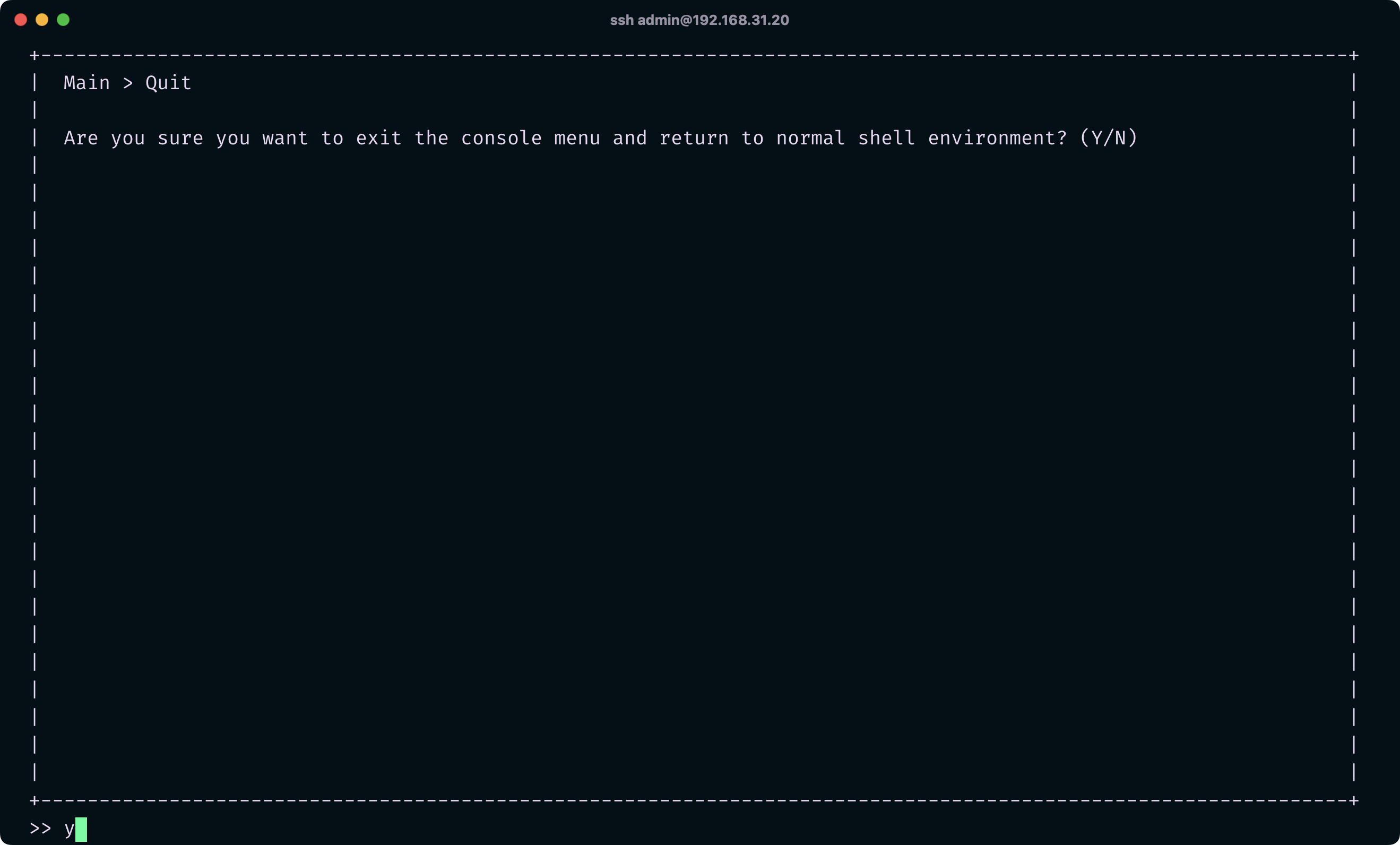
Log in to the NAS via SSH. If you are not logged in as the admin user, remember to use the sudo -i command to gain root privileges. After logging in, you will see a navigation interface by default. Press 'q' and then 'y' to exit and enter the command-line mode.

Next, set the proxy for the command line with the following command:
export https_proxy=http://ip:port;export http_proxy=http://ip:port;export all_proxy=socks5://ip:port
Then, restart Container Station for the changes to take effect:
/etc/init.d/container-station.sh restart
Now you can use docker pull to pull images normally.